Grow a Garden 2 Script Ajjans Hub
If you are looking for a Grow a Garden 2 script, I will introduce you to Ajjans Hub It is a good option that can improve your experience and make playing Grow a Garden 2 easier.
I tested the script myself, and it works great with the latest Grow a Garden 2 update,It runs smoothly and has a simple, easy-to-use Ui.
Ajjans Hub Features
Now, I will show you the features included in Ajjans Hub Script.
Main Features :
1- Auto Farm Menu
The menu includes some farming features, such as:
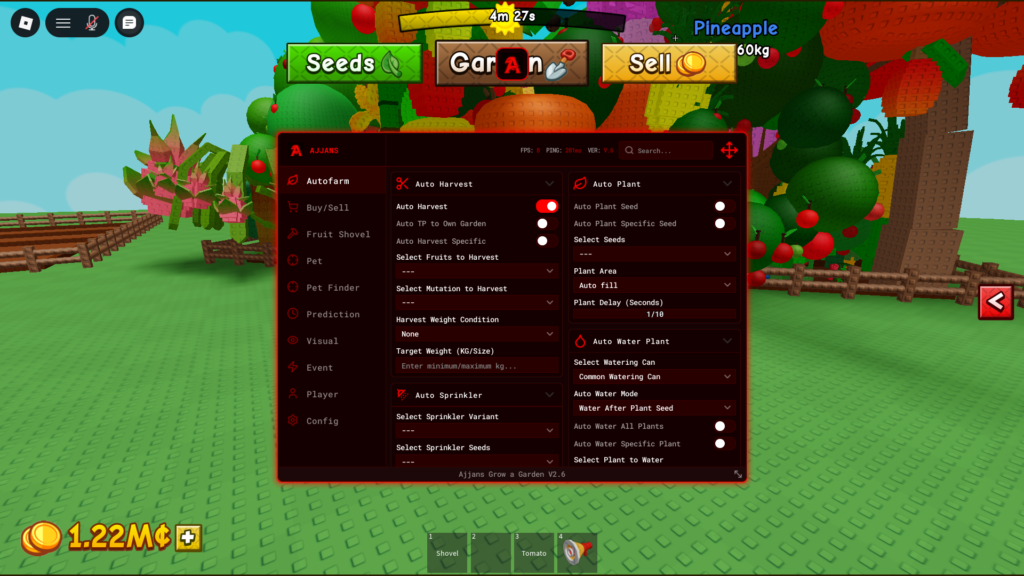
+ Auto Harvest
When I activated it, I noticed that it automatically harvests all fruits without any input from me, I also found that it includes Auto Harvest Specific, which allows you to select a specific fruit, choose a certain mutation, and set a specific weight (KG) requirement.
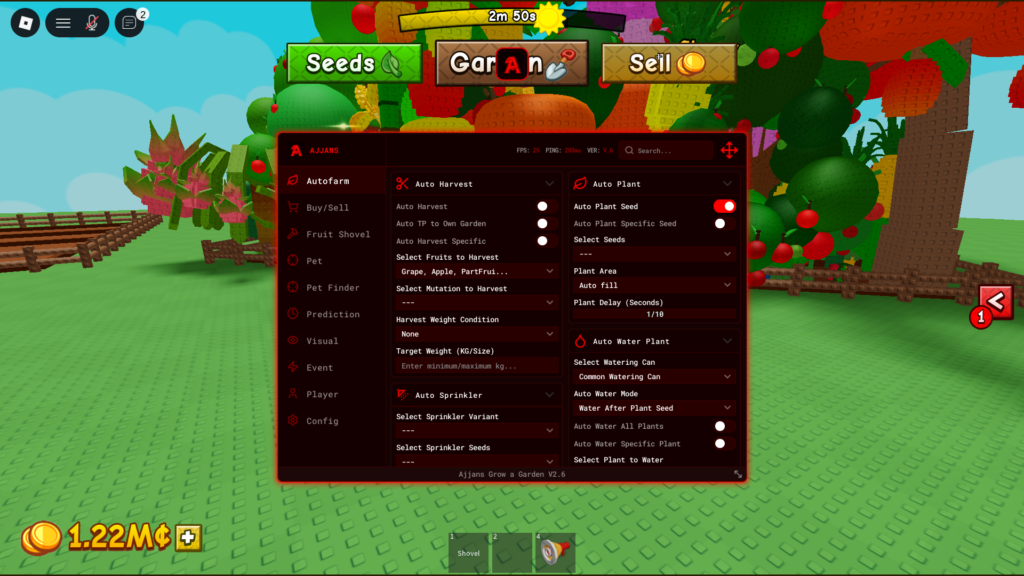
+Auto Plant Seed
When activating this option, what it does exactly is plant all your seeds quickly without any manual effort, It also includes Plant Specific, which allows you to choose a specific seed type and select the plant area where you want to place it.
2- Buy/Sell Menu
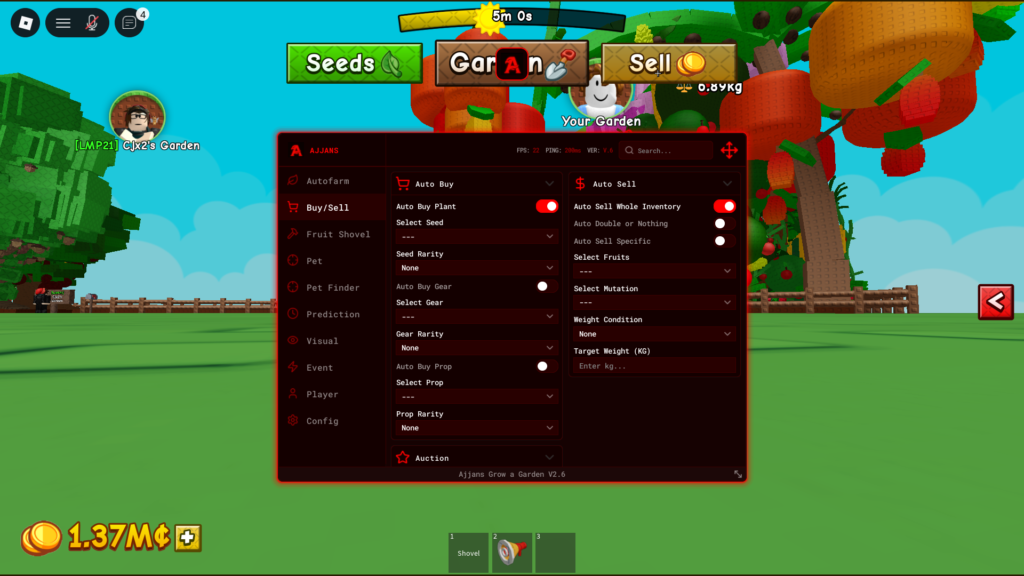
This script section is based on two main features.
+Auto Buy Plant
When activated, it automatically buys all available seeds from the shop.
+Auto sell whole Inventory
It automatically sells everything available in your inventory.
3- Fruit Shovel
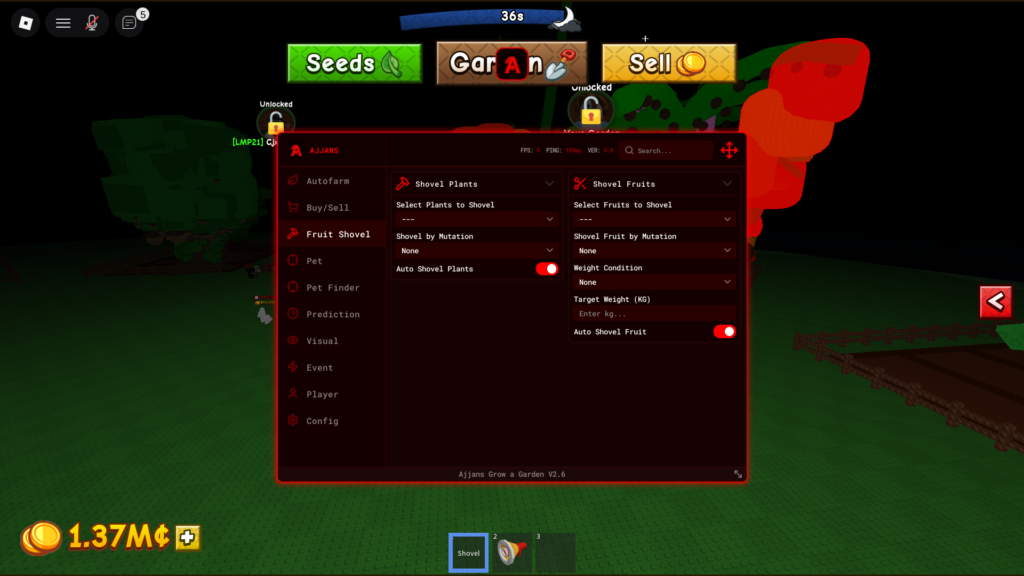
The menu contains two features, which are:
+Auto Shovel Plants
+Auto Shovel Fruits
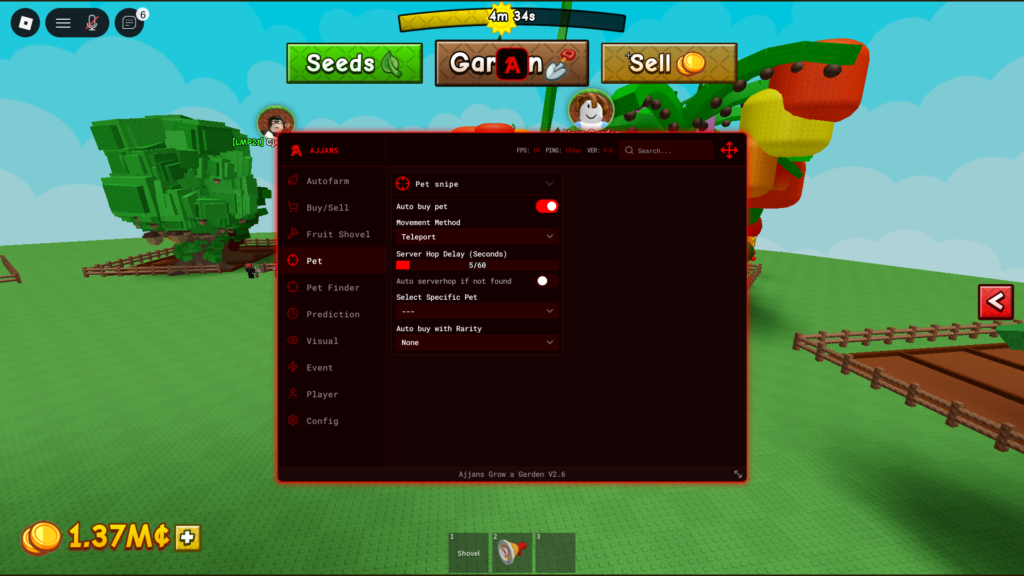
4- Pet Menu
The following menu includes only one feature, which is:
+Pet Snipe
It allows you to buy pets, or in other words, track pets when they become available in the server and automatically buy them,It also gives you the option to select the movement method to reach the pet and choose purchases based on rarity.
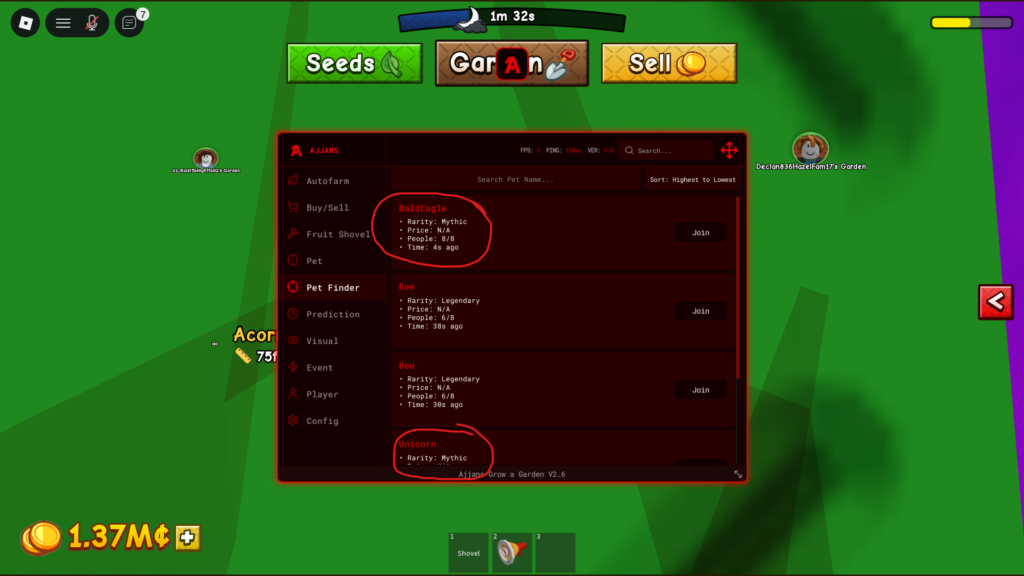
5- Pet Finder Menu
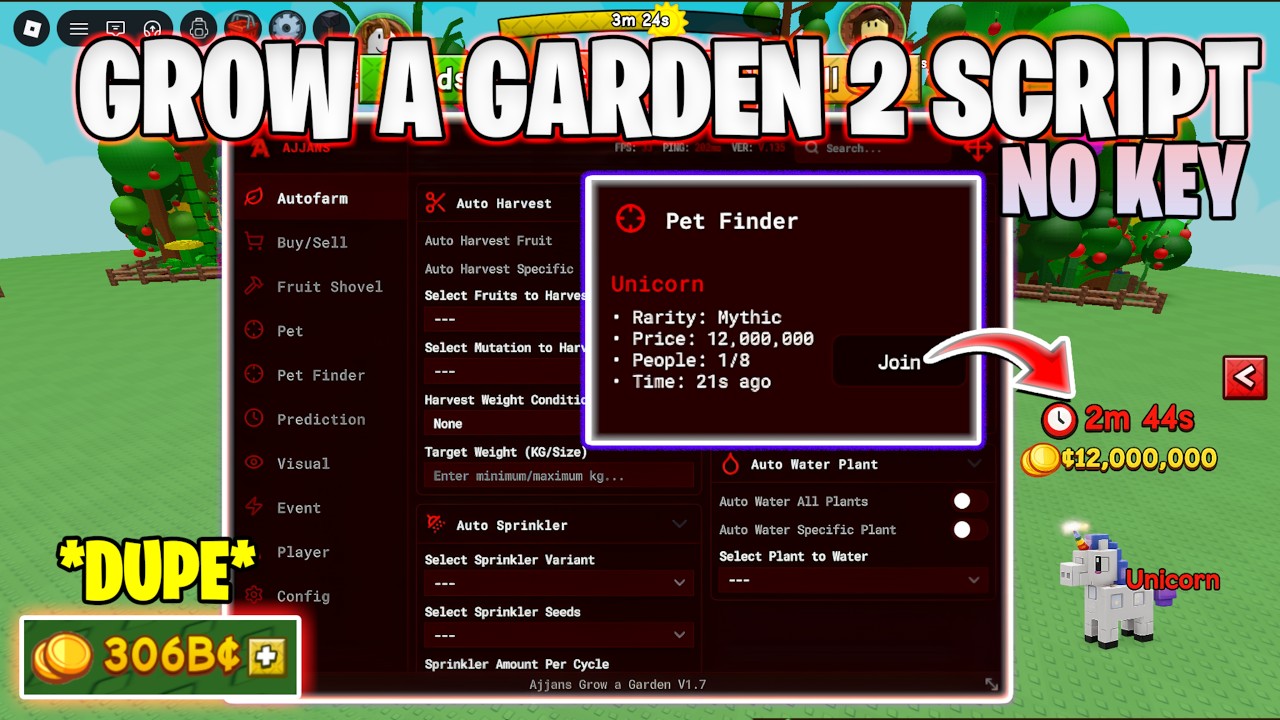
This is a really useful feature,It helped me find rare pets more easily during my testing.
The way it works is by allowing you to join servers that contain rare pets, so you can buy them when they are available, Based on my experience, this is one of the strongest features in the script.
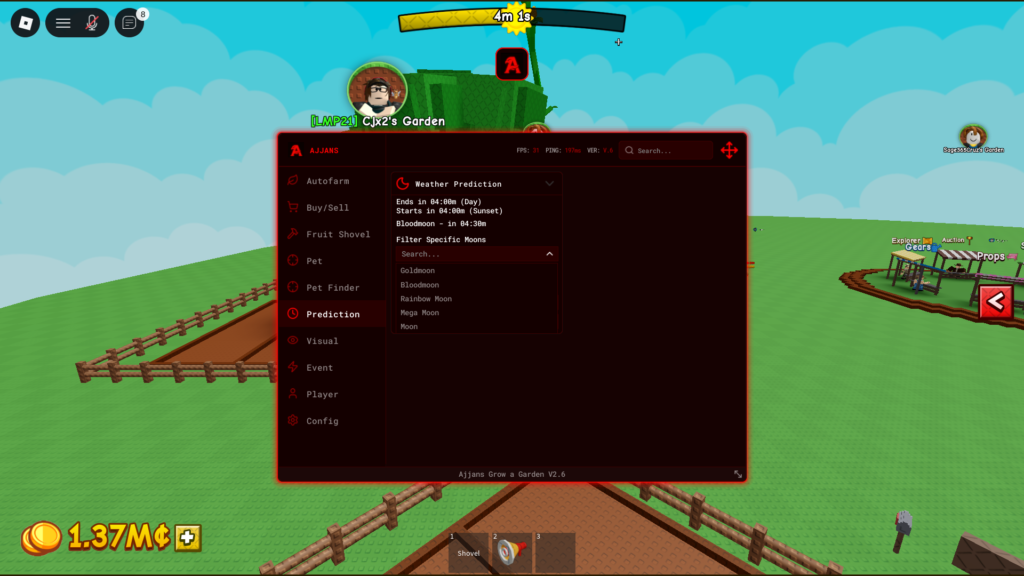
6- Prediction
This feature predicts the arrival time of the weather event you select, It shows you exactly how many minutes are left until the weather appears, making it easier to prepare in advance.
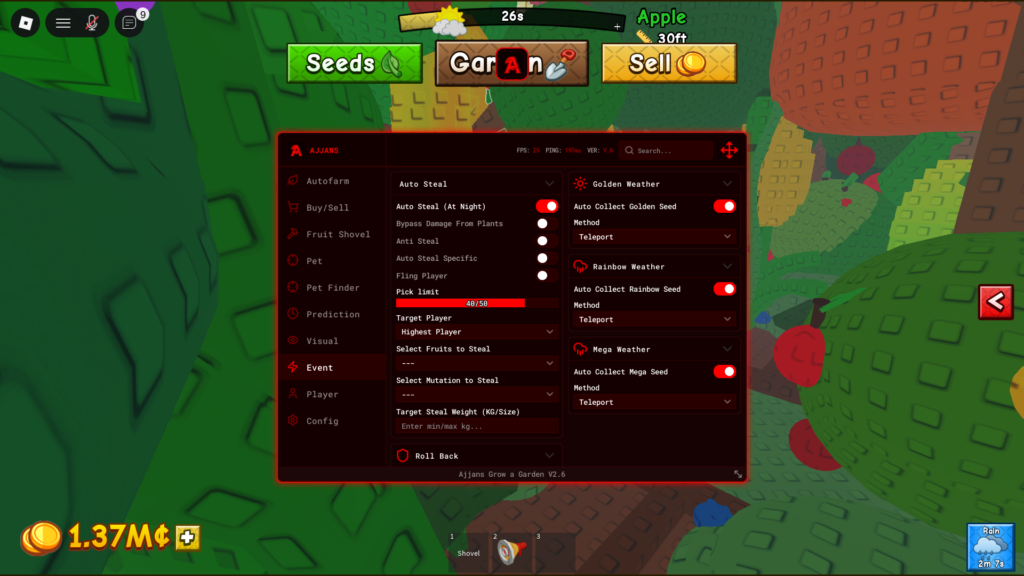
7- Event Menu
+Auto Steal At Night
It improves your stealing experience by automating the process and reducing the effort required.
+Auto Collect Golden,Rinbow,Mega Seed
Ajjans Hub Features Showcase Video:
How to Use the Script
Step :
1- you need to copy the script code located in the Script Box.
Click “Copy Script” for auto copy script.
Script Box
2- Paste the script into your script application
3- Run and done
Answers to some questions that may be on your mind
Is Ajjans Hub keyless?
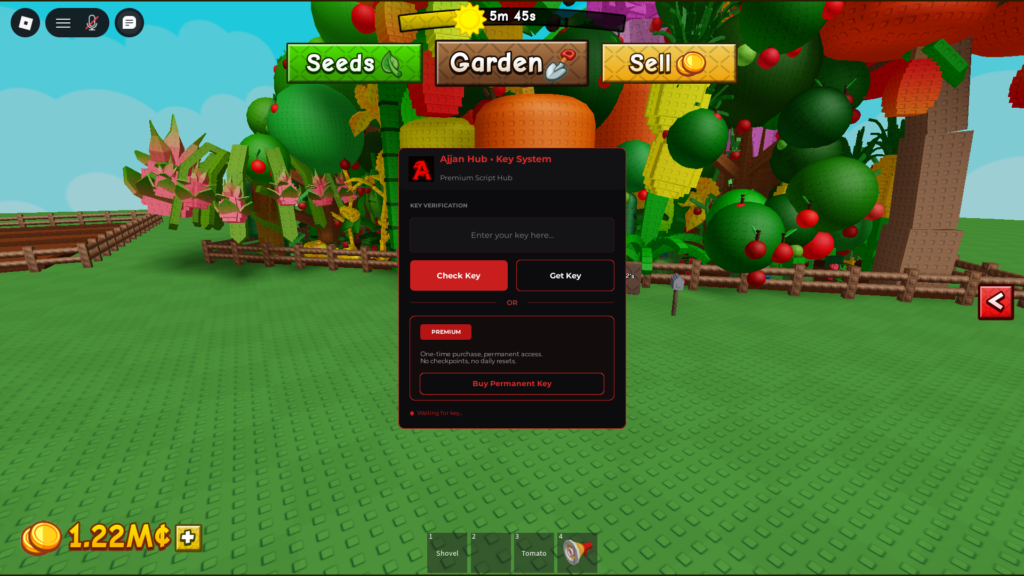
It includes a key system, so you need to obtain a key first before using it properly.
The key UI appears the first time you run it, as shown in the image below.
Steps to get the key:
1- Click Get Key
2- Go to any browser you have and paste the link
3- Choose a provider:
Linkvertise or Lootlabs.
You can also purchase a Lifetime Key if you prefer.
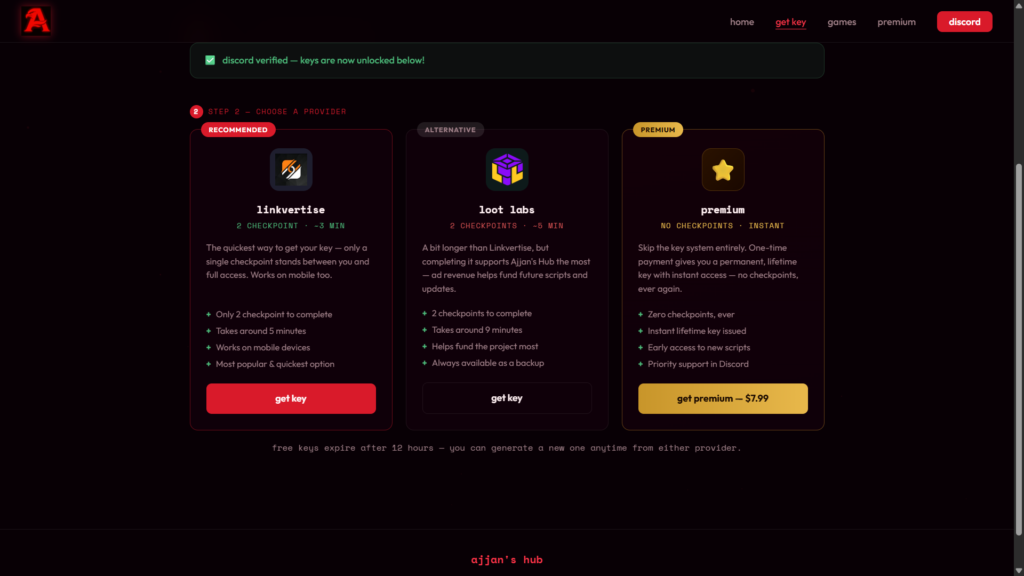
Choose the option that suits you and complete the required steps.
Which executors does Ajjans Hub support?
PC Executors
- Volt
- Wave
- Velocity
- Xeno
- Solara
Android Executors
- Delta
- Vega X
- Codex
iOS Executors
- Delta
Summary
Ajjans Hub is a strong option for Grow a Garden 2 Script, It includes many useful features such as Auto Farm, Auto Buy/Sell, Fruit Shovel, Pet Snipe, Pet Finder, Prediction, and Auto Event.
It also uses a key system and supports most popular executors for mobile and PC.
You can join the official Discord server of the Ajjans Hub developer.
Next, you may be interested in reading other articles related to Grow a Garden 2 Script
If you’re looking for more scripts and guides, I also recommend checking out these related Grow a Garden 2 Script articles, They cover different hubs, features, and updates that may help you find the option that best suits your gameplay.